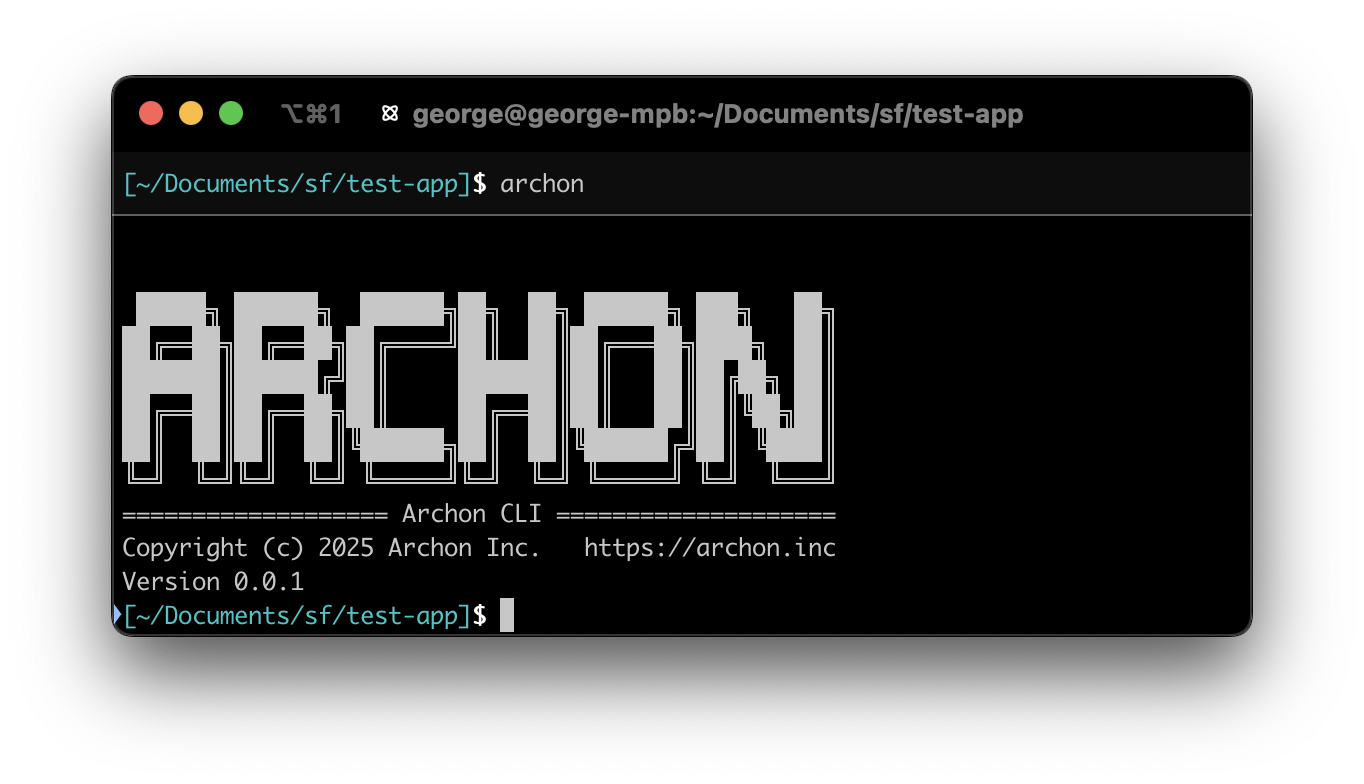
Archon CLI Documentation
The Archon CLI is a command-line tool for managing development environments and interacting with the Archon platform. This document provides an overview of its features and commands.
Introduction
The Archon CLI streamlines the setup, development, and deployment of applications using the Archon platform. It allows developers to:
- Initialize development environments.
- Manage service accounts and components.
- Debug and troubleshoot configurations.
The CLI ensures compatibility with Docker and supports YAML-based configurations for orchestrating development environments.
Installation
To install the Archon CLI globally, use:
npm install -g @archon-inc/cli
After installation, verify the version using:
archon --version
Commands
Development Commands
The dev subcommand includes various utilities for managing your development environment.
archon dev init
Initializes a new development environment.
- Prompts: Guides the user through configuring an
archon.yamlfile for the project. - Features: Downloads dependencies, sets up Docker configurations, and creates necessary system directories.
archon dev start
Starts the development environment.
- Actions:
- Builds Docker images.
- Launches services as defined in
archon.yaml. - Outputs URLs for the application and admin panel.
archon dev follow
Follows the logs for the development environment.
archon dev restart
Restarts the development environment. Triggers processing of changes to archon.yaml
archon dev status
Displays the status of the development environment.
- Details: Lists running services and their states
archon dev stop
Stops all running services in the development environment.
archon dev clear
Wipes the development environment, including cached data.
- Options:
-y: Skips confirmation prompt-c: Clears cached images.
archon dev download
Downloads the Archon Reference Environment again (if there's a new version or you've deleted the original copy)
Error Handling and Debugging
Common Errors
- Missing
archon.yaml:- Message:
No archon.yaml file found. - Fix: Run
archon dev initto generate the file.
- Message:
- Docker Not Installed:
- Message:
Could not connect to the Docker daemon. - Fix: Install and start Docker.
- Message:
- Dependency Errors:
- Message:
Could not download the Archon Reference Environment. - Fix: Run
archon dev clean -cand then redownload witharchon dev download
- Message: